Do you need to open an old InDesign document? What version was it from? What features were available in that version?
Adobe InDesign page layout software was created as the successor to Adobe (Aldus) PageMaker and was first introduced in late 1999. This software originally ran on Mac OS 9 and Windows 98 SE. How many versions of InDesign and PageMaker have you worked with?
|
|
Adobe InDesign 2025 version 20.0 (2024-10)June 2025 (version 20.4): Align to Bleed, Lowercase appearance icon, IPP class drivers replace PS/PCL drivers, accessibility enhancements, GPU support on Windows April 2025 (version 20.3): Math expressions, Generative Fill for shape and text effects, Convert PDF to InDesign (beta), InCopy on the web (beta) March 2025 (version 20.2): Bug fixes and user interface enhancements January 2025 (version 20.1): History panel enhancements, QR Code enhancements to 3.0 October 2024 (version 20.0): Generative Expand image borders, Text to Image AI, Export to Adobe Express, MathML support, Export to HTML5 package, Invite collaborators to edit cloud document, Contextual Task Bar features, Hide Spread enhancement, Accessibility tags, UXP enhancements
|
Adobe InDesign 2024 version 19.0 (2023-10)July 2024 (version 19.5): Generative Expand enhancements, History panel enhancements, Change case in Find/Change, UXP enhancements April 2024 (version 19.4): Text to Image, Save to Cloud documents, password protection, accessibility enhancements for EPUB, Convert PDF to InDesign March 2024 (version 19.3): Export and Import User Settings October 2023 (version 19.0): Auto Style enhancements, Analytics in Publish Online, Filename Suffix in JPG/PNG export, Hide Spreads, Harfbuzz Composer
|
Adobe InDesign 2023 version 18.0 (2022-10)July 2023 (version 18.5): Share documents for review commenting improvements, create InDesign plugins with UXP June 2023 (version 18.4): Search text in published online documents March 2023 (version 18.2): Type 1 PostScript font support ended, Preflight update font types not allowed altered December 2022 (version 18.1): Pantone Books removed, EPUB Validation improvements October 2022 (version 18.0): Auto Style, Copy text AI to ID, support for placing HEIC, HEIF, JP2, WEBP filetypes, Duplicate after page or spread, UXP Scripting begins, Previews in Win and macOS
|
Adobe InDesign 2022 version 17.0 (2021-10)August 2022 (version 17.4): Stability and user improvements May 2022 (version 17.3): Stability and user improvements, accessibility code improvements March 2022 (version 17.2): Stability and user improvements, small icon design changes throughout the interface December 2021 (version 17.1): Stability and user improvements October 2021 (version 17.0): Inclusive language changes, Adobe Capture extension, scalable user interface improved
|
Adobe InDesign 2021 version 16.0 (2020-10)August 2021 (version 16.4): Bug fixes mostly on macOS June 2021 (version 16.3): Native support for Apple Silicon chips April 2021 (version 16.2): Map optical size to font size in variable fonts, macOS Metal API support February 2021 (version 16.1): Improvements to stability, many bug fixes October 2020 (version 16.0): Share for Review, Detect damaged document recovery, Auto-edit text annotations, Find/Change colors, Subject detection text wrap via Adobe Sensei technology, HSB native color values, Navigation points in Media panel
|
|
|
Adobe InDesign CC 2019 version 14.0 (2018-10)October 2018 (version 14.0): Import PDF comments, Properties Panel, Layout Adjustment, Space Between Paragraphs Having the Same Style, Content-Aware Sensei graphic fitting, more font previewing, Font preview hover, OpenType SVG color font support, Typekit now named Adobe fonts, Recently added fonts, Font classification filtering, PDF form fonts exported, Use InDesign Document Name as the Output Filename, Footnotes in tables, convert footnotes to endnotes, Index panel improvement, last-used export format, option to omit printer instructions
|
Adobe InDesign CC 2018 version 13.0 (2017-10)March 2018 (version 13.1): PS and AI shortcut sets in InDesign, export as separate PDF pages, new document preview, more document presets, Color panel hexadecimal values, cross-reference enhancements, endnote support in InCopy, Publish Online document analytics, September 2017 (version 13.0): Endnotes, Paragraph borders and shading, Object Style size and position, share text assets CC Libraries, font classification filter, find similar fonts, Duden integration, New Document MENA, Export HTML improvements, Add Gradients to Swatch Group, PDF accessibility enhancements, bigger Fill & Stroke Icons, flat interface design, reference point widgets larger
|
Adobe InDesign CC 2017 version 12.0 (2016-11)April 2017 (version 12.1): Flat user interface redesign, New document enhancements, Stability Improvements November 2016 (version 12.0): Footnotes that span columns, CC Libraries enhancements, OpenType enhancements, CC Assets Improvements, Typekit Marketplace, In-context OpenType properties, In-context ordinals and ligatures, Stylistic sets, Hyperlinks panel performance, stroke arrowhead scaling, customize Control Panel button, panel tab height preference, in-app search Adobe Stock, Animate CC integration, open newer documents in older versions
|
Adobe InDesign CC 2015 version 11.4 (2016-06)June 2016 (version 11.4): Cleaner, bigger interface, Improved stability network files, GPU animated zoom macOS, Sort Swatches, accessibility enhancements, read-only CC Libraries, purchase Adobe Stock in-app, open and place from Adobe Stock, Start and Recent Files workspaces, Publish Online comes out of beta March 2016 (version 11.3): Publish Online enhanced, Style Override Highlighter, Accessibility display title, Accessibility language, Save As original location
|
Adobe InDesign CC 2015 version 11.2 (2015-11)November 2015 (version 11.2): Publish Online enhanced, Touch workspace drawing, Start and Recent files workspace, alternate glyphs in-context, CC Library enhancements, accessibility enhancements, add color theme as group, add multi-selected assets, edit original in CC Library
|
Adobe InDesign CC 2015 version 11.0 (2015-06)August 2015 (version 11.1): Publish Online enhancements, CC Library enhancements, File Handling Preferences, Overlays panel, Start screen workspace, new OpenType glyph features June 2015 (version 11.0): Publish Online, Paragraph shading, Images in table cells, Adobe Stock photos, Mercury performance, CC Library enhancements, place linked or copied, PDF view and layout defaults
|
Adobe InDesign CC 2014 version 10.2 (2015-02)February 2015 (version 10.2): CC Libraries, ID Libraries migration to CC, ungroup remembers layers, print current page, Welcome Screen, create new table (creates a text frame)
|
Adobe InDesign CC 2014 version 10.0 (2014-10)October 2014 (version 10.1): Color Theme tool, EPUB enhancements, Adobe Color themes, Hexadecimal color picker February June 2014 (version 10.0): Tables drag n drop, EPUB Fixed Layout, seamless update preferences, color groups, Find Previous in search, Scale effects, HiDPI monitor support, footnotes and text wrap, QR code enhancements, Package includes idml and pdf, PDF passthrough printer, browse Add-ons webpage
|
|
|
|
|
|
|
|
|
|
|
|
|
|
|
|
|
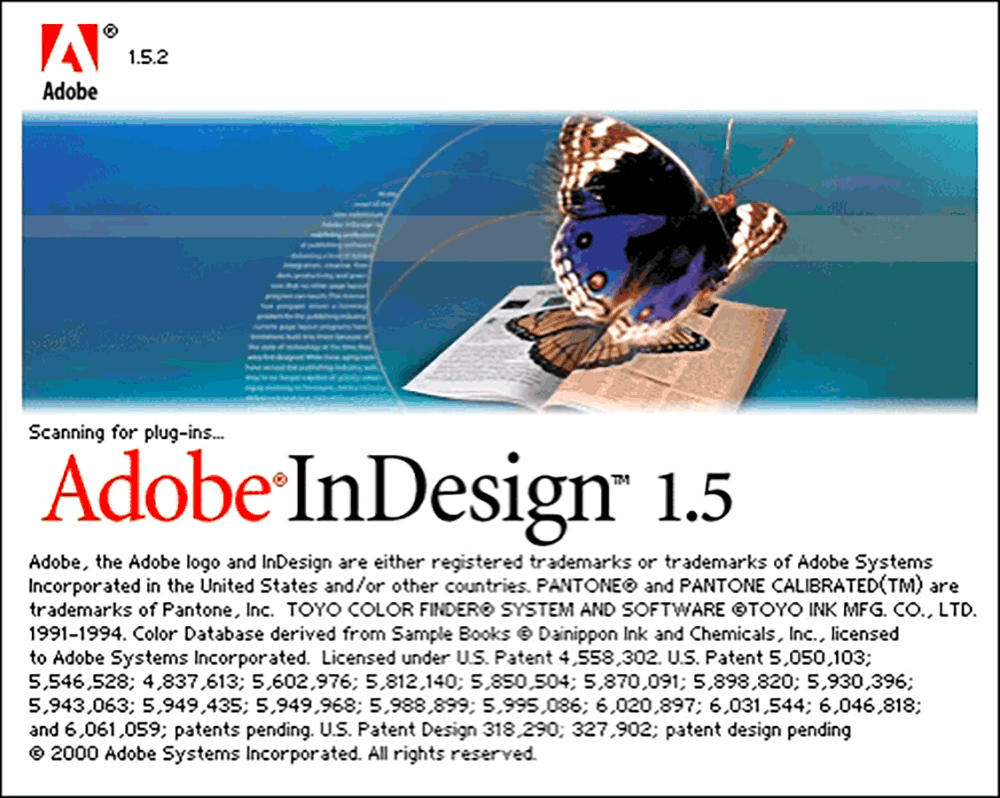
Adobe InDesign version 1.5 codename Sherpa (2001-04)April 2001 (version 1.5): Path Type (Text on a Path), Built-in Trapping, Vertical Justification, Drag-and-Drop Color, Styles for Print and PDF Output, enhanced Pages and other palettes, Create Clipping Paths, configure Plug-ins command, Find Font command, Free Transform tool, Transform dialog box, Options for Master Pages, Eyedropper Tool, Default CMYK Swatches, More Control Over Stories, preferences and color settings, Pencil tool plus Smooth tool and Erase tool, Shape Drawing operational shortcuts, Tools palette customizations, Path Editing options, enhanced Grids and Rulers, Tab and Indent options, Portable Hyphenation, Paragraph formatting enhancements, Object Distribution 0ptions, improved default color names, options for graphics display
|
|
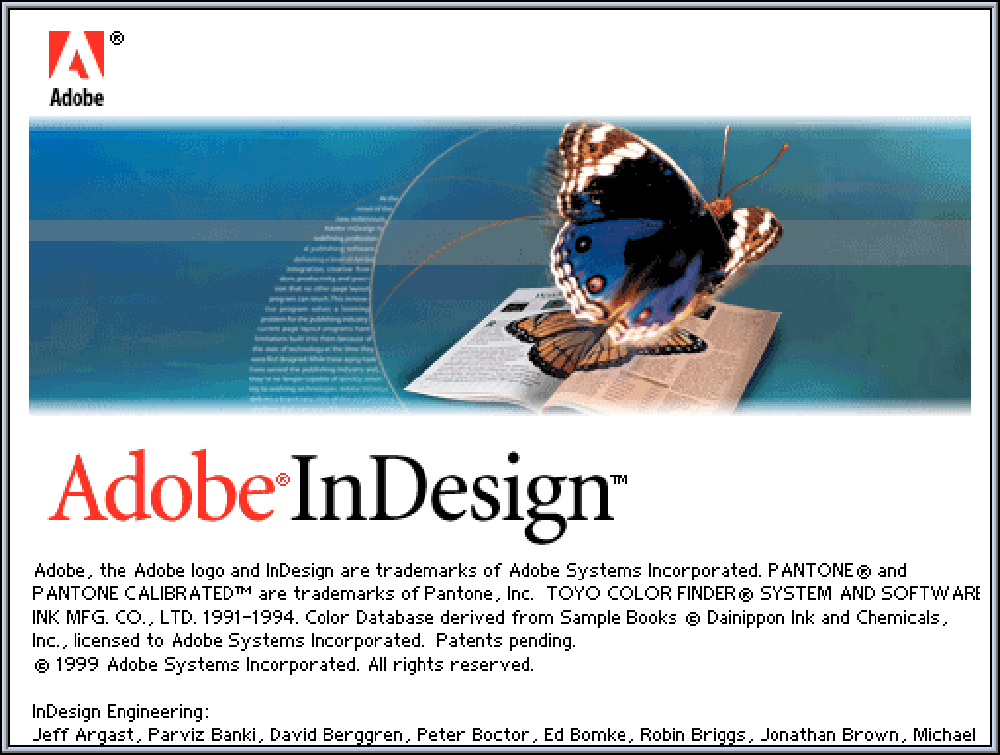
Adobe InDesign version 1.0 codename Project K2 (1999-08)August 1999 (version 1.0): Align palette, Transform palette, Links palette, Navigator palette, Layers palette, parent/child master pages, paragraph styles, character styles, Ruler and Column Guides, Grids definable, customizable keyboard shortcuts, Hi-rez EPS and PDF display, 12-20 languages supported, Import tagged text, Import AI and PSD files, nested text and graphic frames, scaling and shearing (skewing), Bezier path-drawing tools, compound paths, gradient fills and strokes, clipping paths, unlimited undo/redo, Optical Kerning, optical margin alignment, open QuarkXPress files, PDF and PostScript 3 support, page numbering, auto layout adjustment, Preflight and Package files, ligatures supported, Multi-line composer, multiple views, zoom to 4,000%
|
|
Adobe Project K2 / Shuksan development (1994–1999) |
|
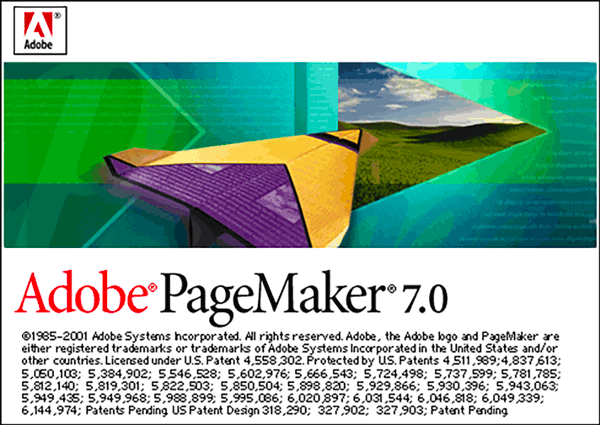
Adobe PageMaker version 7.0 (2001-07)New features: Place native Adobe Photoshop 5.0-6.0x files, expanded support for placing native illustrator files, updated EPS filter, user interface for exporting Adobe PDF files, create tagged PDF support (eBooks), create Data Merge
|
|
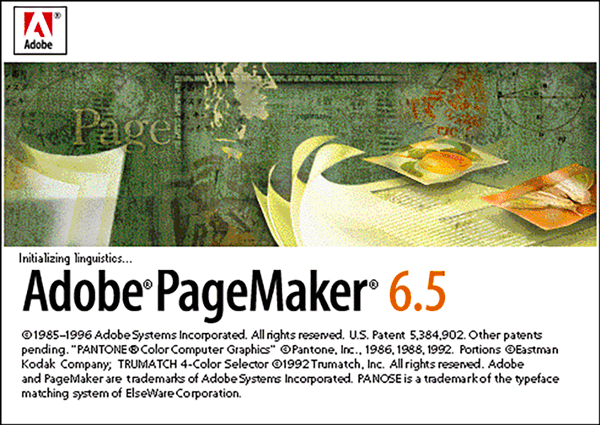
Adobe PageMaker version 6.5 (1996-11)New features: Document Layers, flexible frames hold text or images, better integration with PS and AI, Kodak color management system, Internet ready export to HTML and Acrobat PDF
|
|
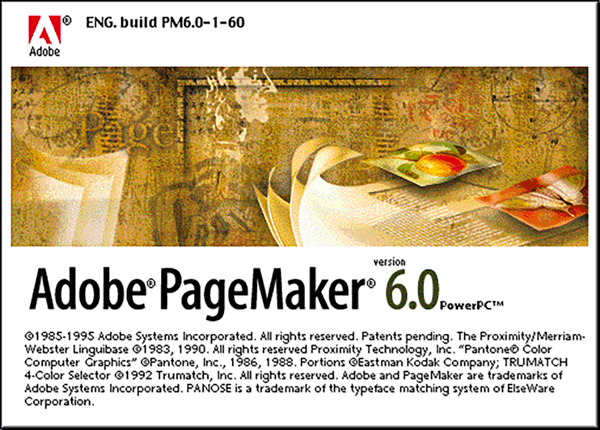
Adobe PageMaker version 6.0 (1995-09)New features: Versatile color publishing using the Kodak Precision Color Management System (CMS); flexible page design; expert printing and prepress; compatibility for prepress standards with import and export filters and Photoshop Effects plug-in; online publishing using Adobe Acrobat Portable Document Format (PDF) and also Hypertext Markup Language (HTML)
|
|
|
|
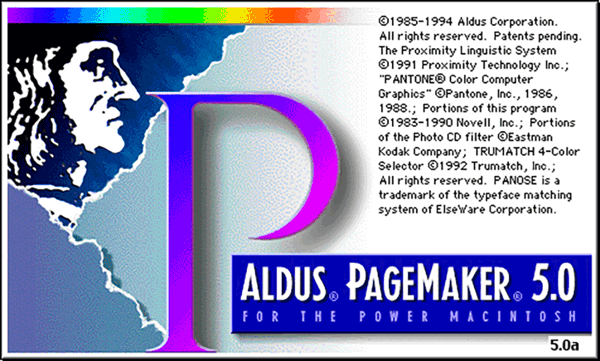
Aldus PageMaker version 5.0 (1993-01)New features: Horizontal and vertical reflection of objects, enhanced Control palette, Numeric positioning and rotation of any object, from its center or any handle, specific nudge amounts for exact positioning, incrementally rotated inline graphics, cropping of rotated graphics, text mode of the palette visible in layout or story editor views, numeric kerning, baseline shift, process-color separations, printing scalable up to 1600%, automatic centering of the page on paper, overprinting for any spot or process color or tint, spot-to-process conversion at printing, choice of printing individual inks of process-color separations, automatic scaling of the page to the paper size, separate line and fill attributes, choice of transparent or opaque dash lines, support for up to 18 language dictionaries, plus installable hyphenation dictionaries, new search-and-replace capabilities for a character’s position and case, kerning and track editing
|
|
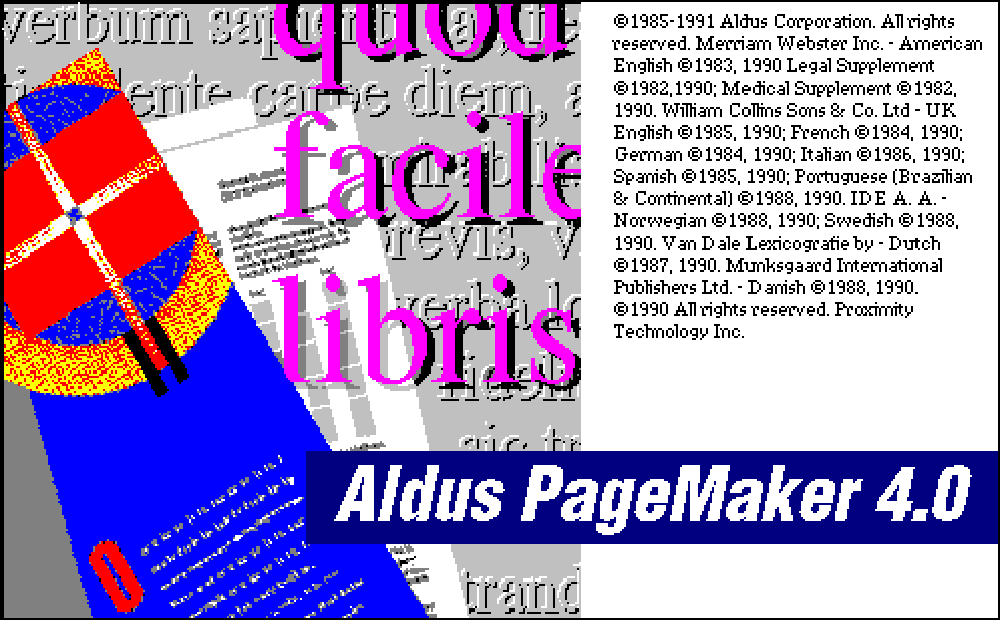
Aldus PageMaker version 4.0 (1991-01)New features: Long document support, color graphics display support, Story editor with spell checking, Search and Replace, inline graphics placement, paragraph line control and hyphenation support, advanced type and text controls, Book publication features, file linking improvements, tables and chart support
|
|
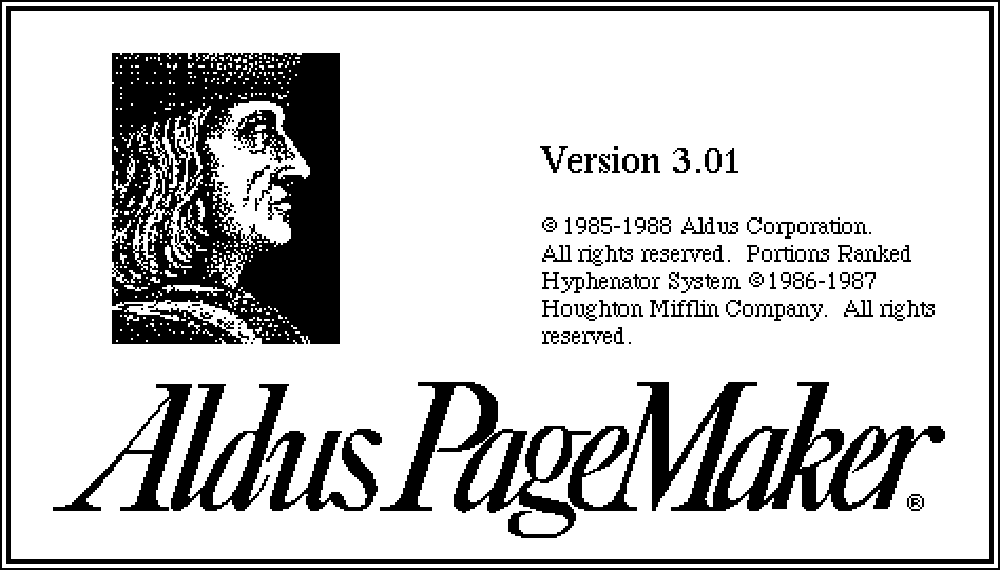
Aldus PageMaker version 3.0 (1988-04)New features: Automatic text flow through entire document, user-defined style sheets, 20 templates, spot color support (but not full color), automatic text wrap around graphics, image controls for scanned photographs and bitmap illustrations
|
|
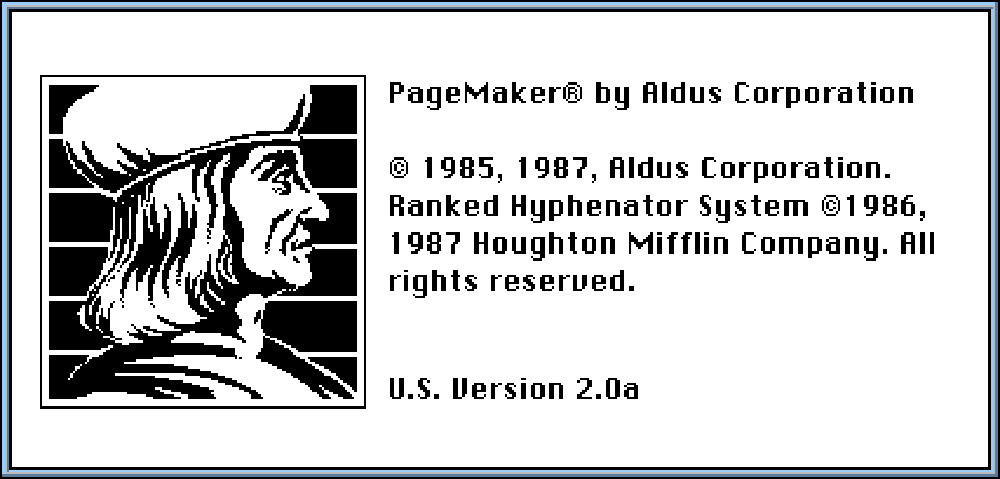
Aldus PageMaker version 2.0 (1987-05)New features: custom page sizes up to 17x22, master pages and up to 128 pages, enhanced Place command, advanced typography controls, broader output hardware compatibility, black and white single color only
|
|
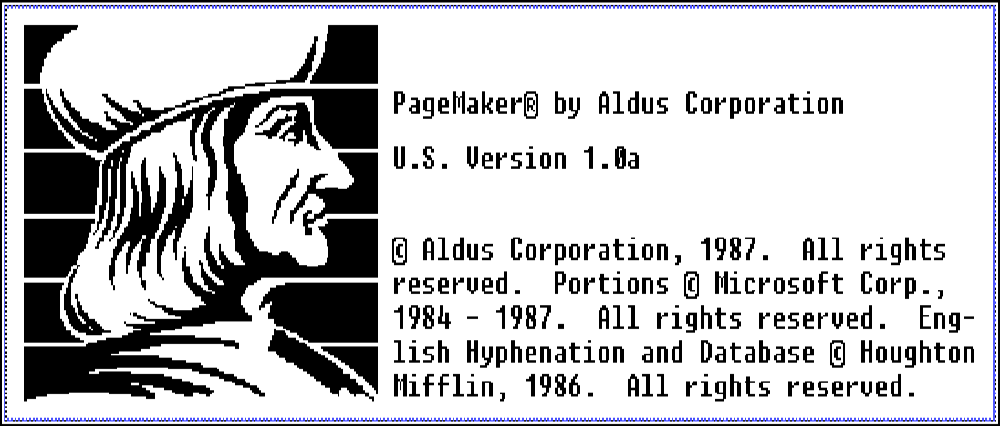
Aldus PageMaker version 1.0 (1985-07)Features: WYSIWYG interface, pasteboard metaphor, rulers and guides, flowable text, graphics import, resize, cropping, and text wrap, PostScript support for output to LaserWriter and other hardware, black and white single color only
|




















Want to learn professional-grade publishing software including Adobe InDesign? Do you need to know it in-depth? Call us. We have been using and teaching page layout and graphic design software since the beginning.